
Do you ever find yourself staring at a checkout screen, wondering if the fees you’re paying are eating into your hard-earned margins more than they should? Or maybe you’re just starting out and the sheer number of payment processor options feels genuinely overwhelming — Stripe, Square, PayPal, and a dozen others all promising they’re the best fit for your business.
We’re going to cut through the noise together. In this guide, you’ll get a clear, honest look at the top payment processors on the market, what they actually cost, how easy they are to set up, and how well they’ll grow with your business — so you can make a confident decision without second-guessing yourself.
Key Takeaways
- Transaction fees, not just monthly costs, are usually the biggest expense — always calculate your real cost per sale.
- Stripe is the strongest choice for online-first and developer-friendly businesses; Square wins for brick-and-mortar simplicity.
- PayPal remains a trust signal for customers but carries higher per-transaction fees for merchants.
- Your hardware needs, integration requirements, and growth plans should drive your final decision as much as price does.
- A hybrid approach — using two processors for different channels — can be cost-effective as you scale.
- Most top processors offer free accounts; start with a trial before committing to any paid plan.
Why the Best Payment Processing for Small Business Matters More Than You Think
Choosing a payment processor isn’t just a back-office decision — it shapes how customers experience your brand at the most critical moment: when they hand over their money. The wrong choice can mean clunky checkouts, surprise fees, and integration headaches that slow your growth.
For small business owners especially, the stakes are high because margins are often tighter and technical resources are limited. A percentage point here or a flat fee there adds up fast when you’re processing thousands of transactions a year.
The Hidden Cost of a Poor Payment Experience
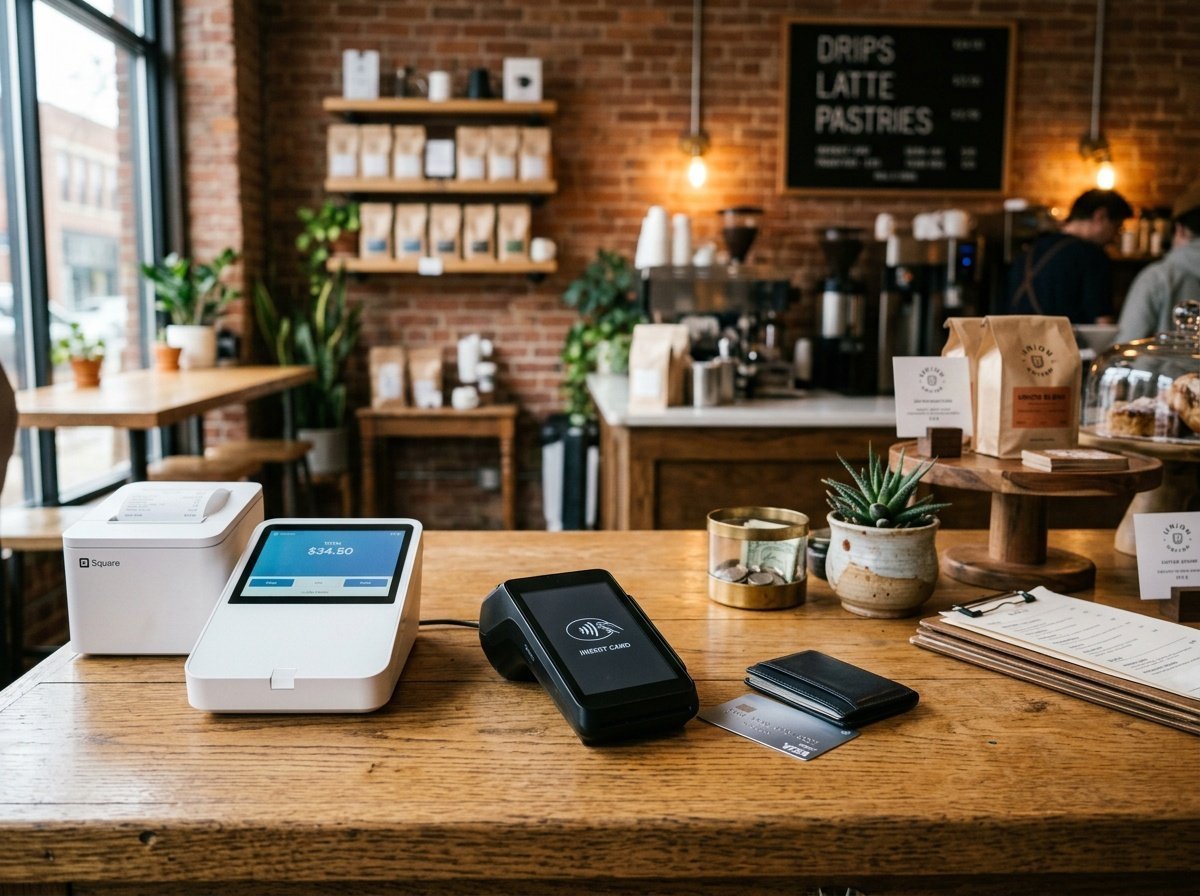
Studies consistently show that cart abandonment rates spike when checkout is complicated or when trusted payment methods aren’t available. If your processor doesn’t support Apple Pay, Google Pay, or buy-now-pay-later options, you could be losing sales silently — and never knowing it.
Beyond the customer-facing side, a poor processor can lock you into proprietary hardware, make it difficult to export your data, or charge steep fees to cancel. These are the hidden costs that never show up in a headline rate comparison.
What “Best” Actually Means for Small Businesses
“Best” isn’t universal. A food truck operator needs fast, mobile-friendly processing and durable hardware. A digital product creator needs seamless online checkouts and subscription billing. A boutique retailer needs inventory syncing and strong reporting. We’ll keep coming back to these different use cases throughout this guide so you can find your fit.
Breaking Down the Fee Structures: What You’re Really Paying
Before comparing processors side by side, it helps to understand the three main types of fees you’ll encounter. Knowing the terminology makes every comparison more meaningful — and stops you from being caught off guard.
Transaction Fees
Transaction fees are the core cost — a percentage of each sale, often plus a small flat fee. The industry standard for card-not-present (online) transactions sits around 2.9% + $0.30 per transaction. Card-present (in-person) rates are typically lower, around 2.6% + $0.10, because fraud risk is reduced.
On a $50 sale, that 2.9% + $0.30 costs you $1.75. Process 500 of those sales a month and you’re paying $875 in fees. It’s worth doing this math for your own average order value before comparing processors.
Monthly and Setup Fees
Some processors charge a flat monthly fee in exchange for lower transaction rates — a model that suits higher-volume businesses. Others are entirely fee-free to start, making them friendlier for businesses just getting going. Watch for setup fees, PCI compliance fees, and statement fees, which are less common now but still exist with some traditional merchant account providers.
Hardware and Software Costs
If you’re selling in person, you’ll need a card reader or full POS terminal. These range from free (Square’s basic magstripe reader) to several hundred dollars for a countertop terminal. Factor these into your first-year cost comparison, not just the ongoing rates.
Stripe: The Developer’s Choice That’s Become So Much More
Stripe has grown from a developer’s darling into one of the most full-featured payment platforms available. It’s the go-to for businesses that prioritise flexibility, online sales, and the ability to customise their payment flow deeply.
Stripe Fees and Pricing
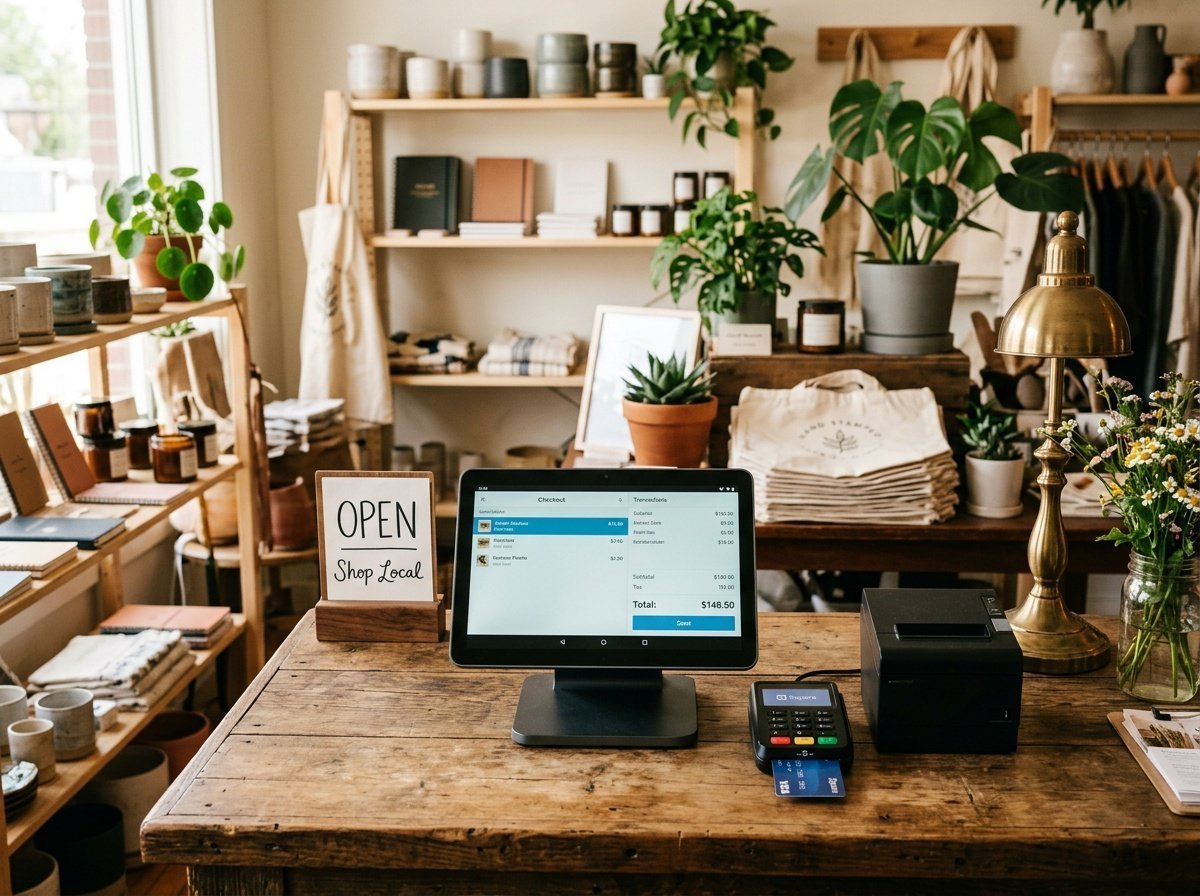
Stripe charges 2.9% + $0.30 per online transaction with no monthly fee on the standard plan. In-person payments via Stripe Terminal run 2.7% + $0.05. For high-volume businesses, custom interchange-plus pricing is available. Stripe also supports subscription billing natively, making it ideal if you plan to offer recurring payments.
There are no setup fees, no cancellation fees, and no monthly minimums — which is a significant advantage for businesses with seasonal or variable revenue.
Ease of Setup
Stripe’s setup is straightforward for most users through its no-code Dashboard, but it truly shines for teams with a developer on hand. The API documentation is best-in-class, and integrations with platforms like Shopify, WooCommerce, and Squarespace are seamless. If you’re selling digital products online for passive income, Stripe’s support for one-time payments, subscriptions, and pay-what-you-want models is hard to beat.
Scalability
Stripe scales exceptionally well. It supports multi-currency transactions, global payouts, and marketplace payment splitting — features you won’t need on day one but will be grateful for later. It’s a processor you genuinely don’t need to outgrow.
Square: The Friendliest Option for In-Person Sellers
Square democratised payment processing for small businesses when it launched its free card reader, and it’s continued to build one of the most cohesive ecosystems for brick-and-mortar and omnichannel sellers. If your business has a physical presence, Square deserves serious consideration.
Square Fees and Pricing
Square’s standard rates are 2.6% + $0.10 for in-person transactions, 2.9% + $0.30 for online sales, and 3.5% + $0.15 for manually keyed transactions. The free plan is genuinely free — no monthly fee — and the first card reader is free too. Paid plans (Square Plus, Square for Restaurants, etc.) start around $29-$60/month and include advanced features like team management and loyalty programs.
Hardware Options
Square offers one of the widest hardware ranges of any processor. From the free magstripe reader to the Square Terminal ($299) and the full Square Register ($799), there’s a hardware option for every setup. The devices are well-designed, reliable, and integrate natively with Square’s POS software.
Integrations and Ecosystem
Square integrates with QuickBooks, WooCommerce, Wix, and dozens of other tools. Its own suite of add-ons — Square Appointments, Square Payroll, Square Loyalty — means many small businesses never need to look outside the ecosystem. The tradeoff is some degree of lock-in, but for most small retailers and service businesses, the convenience outweighs the risk.
PayPal: The Trust Brand That Still Has a Role to Play
PayPal is one of the most recognised payment brands in the world, and that recognition translates directly into customer trust at checkout. For many shoppers, seeing a PayPal option reduces hesitation and increases conversion — especially for first-time buyers.
PayPal Fees and Pricing
PayPal’s standard online transaction fee is 3.49% + $0.49 for PayPal Checkout, which is higher than Stripe and Square for equivalent transactions. Standard card processing through PayPal Payments runs 2.99% + $0.49. In-person rates via Zettle (PayPal’s POS arm) are 2.29% + $0.09 — actually competitive with Square for face-to-face sales.
The higher online fees are the main drawback. For high-volume online sellers, these add up meaningfully compared to Stripe or Square’s rates.
When PayPal Makes Sense
PayPal is most valuable as a supplementary payment option rather than a sole processor. Offering it alongside Stripe or Square can increase checkout conversion, particularly for international customers who prefer paying with their PayPal balance. It’s also well-suited to freelancers and service providers who invoice clients directly, thanks to PayPal’s invoicing tools. If you’re a freelancer without a registered business bank account yet, here’s how to accept payments online without a business account in the meantime.
Other Processors Worth Knowing: Clover, Helcim, and Shopify Payments
Beyond the big three, several other processors are worth considering depending on your specific business model. Each has a distinct positioning that suits particular use cases well.
Clover: For Restaurants and Retail
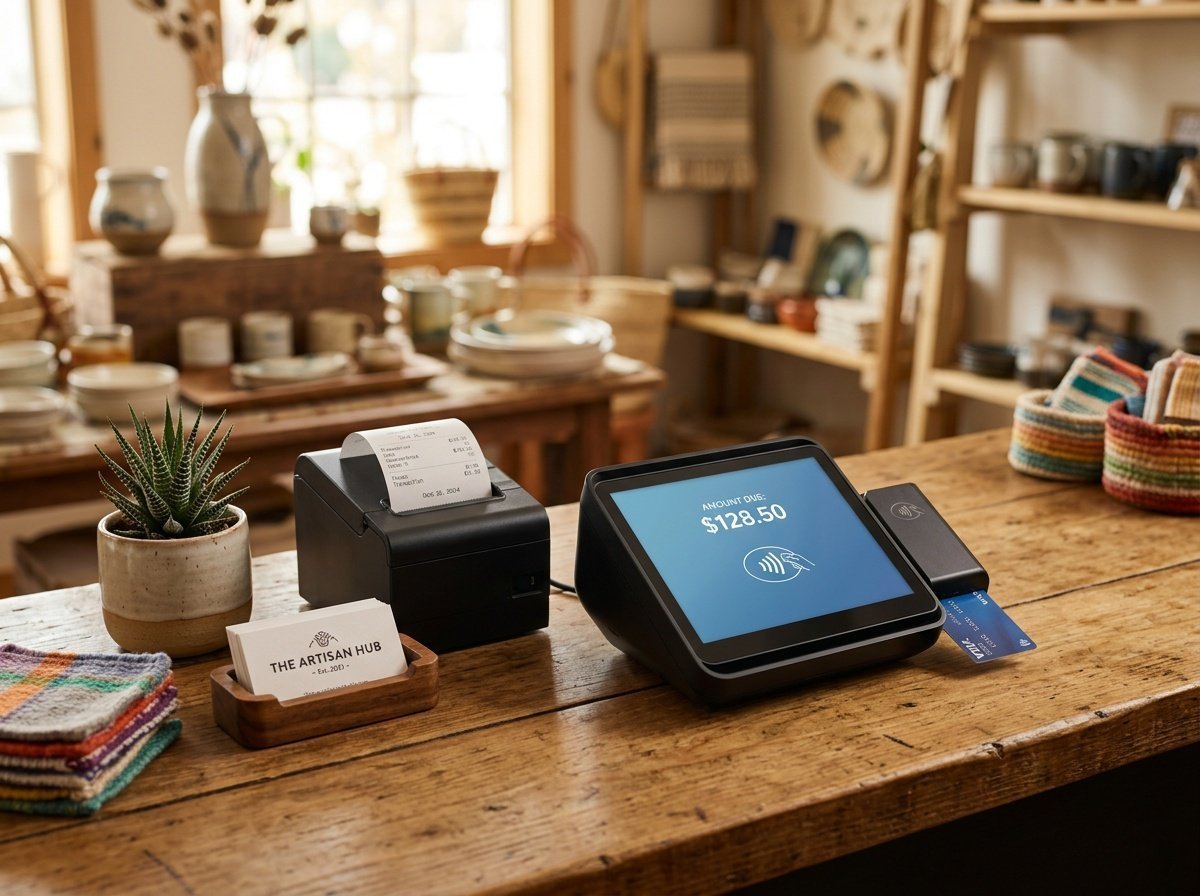
Clover is a full POS and payment platform particularly popular with restaurants, cafes, and specialty retailers. Its hardware is polished and powerful, and the software supports table management, menu customisation, and employee permissions. The catch: Clover is usually purchased through a bank or merchant services provider, which means rates vary significantly and some resellers mark up fees considerably. Always negotiate and compare reseller pricing before committing.
Helcim: Best for Higher Volume on a Budget
Helcim uses interchange-plus pricing — meaning you see exactly what the card network charges plus Helcim’s small markup — which becomes genuinely cost-effective once you’re processing over $5,000/month. There are no monthly fees, and the platform includes invoicing, a hosted payment page, and a virtual terminal. It’s less polished than Stripe or Square but more transparent on pricing.
Shopify Payments: Only if You’re on Shopify
Shopify Payments makes perfect sense if you’re already running your store on Shopify — it’s built in, eliminates third-party transaction fees (which Shopify otherwise charges), and the rates (starting at 2.9% + $0.30 on the Basic plan) are competitive. Outside of Shopify, it’s not an option, so it’s a strong reason to consider the platform if you’re starting an online store from scratch.
ACH and Bank Transfers: The Lower-Fee Option Most Guides Skip
Every processor above runs on card rails, and card rails always carry a percentage fee. If you invoice clients for larger amounts — a $3,000 project instead of a $30 sale — that percentage adds up fast: 2.9% on a $3,000 invoice is $87, versus a flat few dollars for a bank-to-bank transfer.
Where ACH Fits
Tools built around ACH transfers — Melio, Wise Business, and the ACH options inside Stripe and Square themselves — move money directly bank-to-bank instead of through card networks. Melio charges nothing to send or receive ACH payments and makes money instead from card-to-ACH conversion or expedited transfers, which makes it worth a look for service businesses that mostly invoice rather than run a storefront. Wise Business is built for freelancers and small businesses with international clients, with transparent, low-percentage transfer fees instead of card-network markups.
The Trade-Off
ACH is cheaper, but it’s slower (one to three business days is typical, versus instant card authorization) and it doesn’t work well for a checkout page where a customer wants to pay on impulse. It’s the right tool for invoiced B2B work and recurring vendor payments — not for a retail storefront or a one-off online sale. Most small businesses end up using a card processor for sales and an ACH tool for paying and getting paid on larger invoices, rather than picking just one.
Payment Processor Comparison: Side-by-Side at a Glance
Sometimes the clearest way to evaluate your options is to see them next to each other. Use this table as a starting reference — always verify current pricing directly with each provider, as rates can change.
| Processor | Online Rate | In-Person Rate | Monthly Fee | Best For |
|---|---|---|---|---|
| Stripe | 2.9% + $0.30 | 2.7% + $0.05 | $0 | Online, subscriptions, tech-savvy sellers |
| Square | 2.9% + $0.30 | 2.6% + $0.10 | $0 (free plan) | Retail, food, in-person sales |
| PayPal | 3.49% + $0.49 | 2.29% + $0.09 | $0 | Supplementary option, freelancers |
| Helcim | Interchange +0.4% | Interchange +0.15% | $0 | Higher-volume, cost-conscious sellers |
| Shopify Payments | 2.9% + $0.30 | 2.7% + $0.00 | Included in Shopify plan | Shopify store owners |
“The cheapest payment processor isn’t the one with the lowest headline rate — it’s the one whose total cost of ownership matches your actual sales volume and business model.”
Hardware, Integrations, and the Details That Actually Determine Your Day-to-Day
The numbers in a fee comparison table tell part of the story. But the practical, day-to-day experience of using a payment processor depends just as much on hardware quality, software integrations, and how well the platform fits into your existing workflow.
Choosing the Right Hardware
If you sell primarily in person, your card reader or POS terminal is something you and your team will interact with dozens of times a day. Reliability, speed, and ease of use matter enormously. Square’s ecosystem is the strongest all-around for small businesses — the hardware is elegant, the software is intuitive, and the whole package just works. Stripe Terminal is excellent for businesses building a custom checkout experience and needing more flexibility.
For mobile businesses — market stalls, pop-ups, mobile services — a compact Bluetooth reader that pairs with your smartphone is usually all you need. Both Square and Stripe offer these at low or no cost. If you’re starting with Square, the Square Reader for contactless and chip (2nd Generation) is the same reader Square sells directly, usually available faster through Amazon Prime shipping (affiliate link — see our affiliate disclosure).
Integrations With Your Existing Tools
Think carefully about what software you’re already running. If you use QuickBooks for accounting, make sure your processor integrates directly. If your website runs on WordPress with WooCommerce, Stripe and PayPal both have mature, well-supported plugins. If you’re running a service business that invoices clients, look for a processor with strong invoicing tools — Square, PayPal, and Helcim all do this well.
Choosing a processor that plays nicely with your existing tools saves hours of manual data entry and reduces the risk of errors in your bookkeeping.
Reporting and Analytics
Good reporting tools help you understand which products sell best, when your peak hours are, and how your revenue trends over time. Square’s analytics dashboard is particularly strong for brick-and-mortar businesses. Stripe’s Dashboard is excellent for online sellers and includes cohort analysis and revenue forecasting. Don’t overlook this feature — it becomes increasingly valuable as your business grows.
Your Decision Framework: How to Choose the Right Processor for Your Business
With all the options laid out, it’s time to bring it together. Rather than prescribing one answer for everyone, here’s a practical framework you can apply to your own situation. Walk through these questions honestly and your answer will become clear.
Step 1 — Define Your Primary Sales Channel
Are you primarily selling online, in person, or both? If it’s mostly online and you want maximum flexibility and developer control, Stripe is your starting point. If you’re predominantly in person, Square is likely the better fit. If you’re building a Shopify store, Shopify Payments is the obvious choice. Mixed-channel businesses often do well pairing Square for in-person with Stripe for online.
Step 2 — Calculate Your Real Monthly Cost
Take your average order value and multiply it by the transaction fee for each processor you’re considering. Then factor in your expected monthly volume. This gives you a real cost comparison rather than an abstract percentage comparison. For most small businesses processing under $10,000/month, flat-rate processors like Stripe and Square are more economical than interchange-plus models like Helcim.
Step 3 — Assess Your Technical Comfort Level
Be honest about how much technical setup you’re willing to handle. Stripe rewards technical users but can feel daunting without some coding knowledge. Square is genuinely plug-and-play. PayPal is straightforward but limited. Choose a processor whose setup complexity matches your team’s capabilities.
Step 4 — Think About Where You’ll Be in Two Years
Will you expand internationally? Add subscription billing? Build a marketplace? Your current needs matter most, but choosing a processor that can grow with you avoids a painful migration later. Stripe wins on long-term scalability. Square wins on ecosystem cohesion for physical retail. If you’re exploring passive income streams through digital product sales, Stripe’s subscription and digital delivery integrations are worth the slight learning curve. And if you’re still early enough that you’re invoicing clients directly rather than running a storefront, making your first $1,000 as a freelancer covers the client-finding side of this equation.
Want more practical guides like this before you need them? Look for The Paystream’s newsletter signup — no course to buy, no upsell, just income and money-management tips that hold up.
Frequently Asked Questions
What is the cheapest payment processor for small businesses?
For most small businesses processing under $10,000/month, Stripe and Square offer the most competitive flat rates with no monthly fees. For higher volumes, Helcim’s interchange-plus pricing often works out cheaper. The “cheapest” processor depends on your average transaction size and monthly volume — always run the numbers for your specific situation.
Can I use more than one payment processor at the same time?
Absolutely — and many businesses do. A common setup is using Square for in-person sales and Stripe (or Shopify Payments) for your online store. Offering PayPal as an additional checkout option alongside your primary processor can also boost conversion for customers who prefer paying with their PayPal balance.
Do I need a merchant account to accept payments?
Not necessarily. Processors like Stripe, Square, and PayPal use aggregated merchant accounts, meaning you can start accepting payments immediately without a separate merchant account application. Traditional merchant accounts (through your bank) can offer lower rates at high volumes but require an approval process and often carry monthly fees.
How long does it take to get set up with Stripe or Square?
Both platforms are designed for quick onboarding — you can have your account set up and be ready to accept payments within a few hours in most cases. Square will ship you a free card reader, which takes a few days to arrive. Stripe’s online checkout can go live the same day if you’re using a no-code integration like Shopify or WooCommerce.
Are payment processor fees tax deductible for small businesses?
In most countries, yes — payment processing fees are considered a legitimate business expense and are generally tax deductible. Always consult your accountant or tax adviser for guidance specific to your situation and jurisdiction, as rules vary. If you’re new to self-employment income generally, here’s what to set aside for taxes on side hustle and freelance income before processing fees even enter the picture.
What happens if my payment processor holds my funds?
Fund holds can happen when unusual transaction activity is flagged, such as a sudden spike in sales volume or a high number of chargebacks. Stripe, Square, and PayPal all have policies around this. To reduce risk, keep your account information current, respond promptly to any requests for documentation, and avoid sudden large spikes in transaction volume without notifying your processor in advance.
Is PayPal still worth using for small businesses?
PayPal is worth including as a supplementary checkout option because of the trust and conversion lift it provides — especially for first-time or international customers. As a sole payment processor, its higher online transaction fees make it harder to justify compared to Stripe or Square. A balanced approach is to offer it alongside your primary processor rather than as a replacement.
Finding the right payment processor for your small business doesn’t have to be a stressful decision. Start with your primary sales channel, run the fee math for your actual sales volume, and lean toward a platform whose setup complexity matches your comfort level. Most top processors let you start for free, so there’s no harm in testing one before fully committing. You’ve got this — and once your payments infrastructure is sorted, you can get back to focusing on what you actually love about running your business.