
Setting up a way to get paid online looks like a ten-minute job. Then you open a few tabs, and every processor promises low fees, fast payouts, and the perfect fit for small businesses. The percentages blur together, the flat fees hide in footnotes, and it’s tempting to click “accept” on whichever one showed up first just to make the decision go away. That isn’t laziness. It’s decision fatigue, and it’s exactly how small fees quietly stack up on every sale without anyone noticing.
If you’re staring at Stripe, Square, PayPal, and a dozen others right now, all promising they’re the best fit, I want you to hear this first: you’re not bad at business because this feels confusing. Payment pricing is confusing. It’s built out of percentages, flat fees, plan tiers, and footnotes, and nobody hands you a plain-English map. The real problem isn’t you. It’s that most comparisons list rates without ever showing you what they cost on your sales.
So that’s what I’m going to do here. I’ll walk you through the processors I’d actually consider for a small business, what they cost as of November 2026, how hard they are to set up, and how to pick one without second-guessing yourself for weeks.
Key Takeaways
- Per-sale transaction fees, not monthly plans, are usually your biggest payment cost. Do the math on your own average sale before you compare anything else.
- Stripe is my pick for online-first sellers, digital products, and subscriptions. Square is my pick for in-person sellers who want something that just works.
- PayPal is worth offering as a second checkout button for trust, but its online fees are higher, so I wouldn’t make it your only option.
- If you invoice clients for bigger amounts, a bank transfer (ACH) option can save you real money compared with card fees.
- Every rate in this guide is as of November 2026. Processors change pricing, so check their pricing page before you sign up.
- You don’t need the perfect processor. You need a good-enough one you can start with for free and switch later if you outgrow it.
Why the Best Payment Processing for Small Business Matters More Than You Think
Your payment processor sits at the most delicate moment in your whole business: the second a customer decides to hand you money. A clunky checkout, a missing payment option, or a surprise hold on your funds can undo all the work it took to get them there.
And when your margins are thin, small percentages are not small. Half a percentage point sounds like nothing. On $5,000 a month in sales, it’s $25 a month, or $300 a year, from one decision you made in ten minutes and never revisited. That’s the kind of quiet leak I care about.
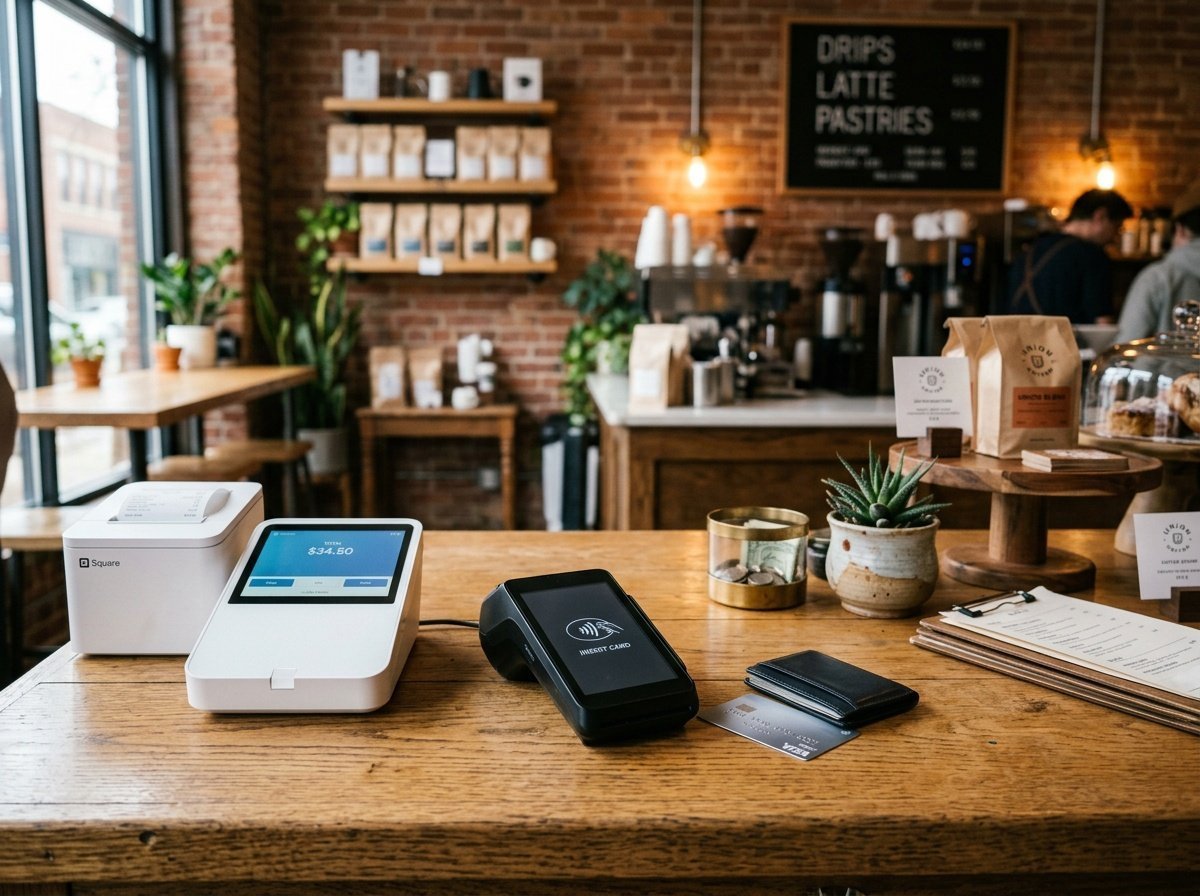
The Hidden Cost of a Poor Payment Experience
People tend to bail at checkout when it’s complicated or when the way they like to pay isn’t there. If your processor doesn’t support Apple Pay, Google Pay, or a buy-now-pay-later option your customers expect, you can lose sales without ever knowing they were close.
Then there are the costs that never appear in a rate comparison: hardware that only works with one company, data that’s hard to export, contracts with cancellation fees. None of those show up on the sign-up page. All of them show up later.
What “Best” Actually Means for Small Businesses
Here’s the generic advice I want you to ignore: “Just pick the processor with the lowest rate.” It sounds smart, and it’s the reason a lot of people end up switching six months later. The lowest headline rate is meaningless if it doesn’t fit how you sell.
A food truck needs fast, mobile, durable hardware. A digital product creator needs a smooth online checkout and subscription billing. A boutique needs inventory syncing and decent reports. A freelancer mostly needs to send invoices and get paid on them. I’ll keep coming back to these different situations so you can find your own fit instead of someone else’s.
Breaking Down the Fee Structures: What You’re Really Paying
Before I compare anyone side by side, you need three terms. Once you know them, every pricing page gets a lot less intimidating.
Transaction Fees
A transaction fee is what the processor keeps from each sale, usually a percentage plus a small flat amount. For online card payments (the industry calls these “card-not-present”), the common flat rate is around 2.9% + $0.30. In-person payments (“card-present,” where the card is tapped or inserted) are usually a bit cheaper, around 2.6%–2.7% plus a few cents, because fraud risk is lower.
Let’s make it real. On a $50 online sale at 2.9% + $0.30, you pay $1.75. Sell 500 of those a month and that’s $875 in fees. At 3.3% + $0.30, the same 500 sales cost you $975. Same sales, $100 a month apart. Run this for your own average order before you trust any comparison, including mine. A fee you never look at is still a fee.
Monthly and Setup Fees
Some processors charge a monthly fee in exchange for lower per-sale rates, which can make sense once you have steady volume. Others cost nothing until you make a sale, which is friendlier when you’re just starting. Traditional merchant account providers (the bank-style setups) may still add setup fees, PCI compliance fees (PCI is the card-security standard), or statement fees. Ask about every one of those before you sign anything. If you already have a processor, our guide to reading your statement and catching hidden credit card processing fees shows how to spot them line by line.
Hardware and Software Costs
If you sell in person, you’ll need a card reader or a POS (point-of-sale) system, meaning the device and software you ring sales up on. That can range from a free or low-cost reader that plugs into your phone to several hundred dollars for a countertop terminal. Count that in your first-year cost, not just the ongoing rates.
Stripe: My Pick for Online Sellers and Digital Products
Stripe started out as a tool for developers and grew into one of the most complete payment platforms out there. If most of your sales happen online, or you want subscriptions, flexible checkout, or room to grow, this is where I’d start.
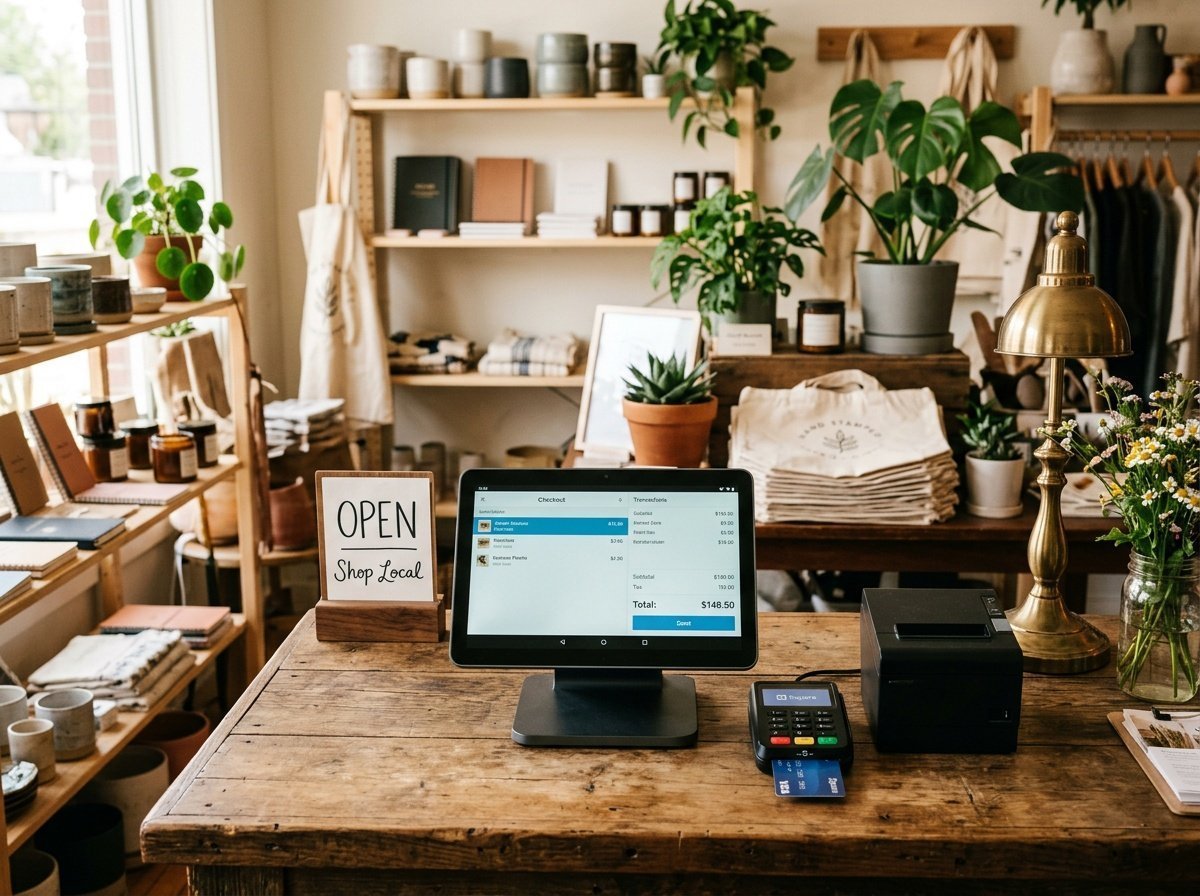
Stripe Fees and Pricing
As of November 2026, Stripe’s standard pricing page lists 2.9% + $0.30 per successful online card payment for domestic cards, with no monthly fee on the standard plan. In-person payments through Stripe Terminal are listed at 2.7% + $0.05. Watch the add-ons: Stripe lists an extra 1.5% for international cards and an extra 0.5% for manually entered cards. Subscription billing is available too, which matters if you plan to sell memberships or recurring services. Verify all of this on Stripe’s pricing page before you sign up.
There are no setup fees, cancellation fees, or monthly minimums on the standard plan. If your income is seasonal or lumpy, that matters more than any rate difference.
Ease of Setup
Let’s be honest about the effort. Stripe’s no-code Dashboard and payment links are fine for most people, but Stripe really shines when someone on your team is comfortable with a bit of tech. Its integrations with Shopify, WooCommerce, and Squarespace are solid. If you’re selling digital products online for passive income, Stripe’s support for one-time payments, subscriptions, and pay-what-you-want pricing is hard to beat.
Scalability
Stripe handles multiple currencies, international payouts, and splitting payments in a marketplace. You probably don’t need any of that on day one. I still like knowing it’s there, because switching processors later is a hassle I’d rather you skip.
Square: The Friendliest Option for In-Person Sellers
Square made card payments approachable for small sellers years ago, and it has built one of the most complete setups for in-person and mixed businesses since. If you have a booth, a shop, a salon chair, or a truck, Square deserves a serious look.
Square Fees and Pricing
As of November 2026, Square’s fees page lists these rates on its free plan: 2.6% + $0.15 for in-person tap, dip, or swipe, 3.3% + $0.30 for online and invoice payments, and 3.5% + $0.15 for manually keyed cards or cards on file. Paid plans lower some of those rates (online drops to 2.9% + $0.30, for example) in exchange for a monthly fee. Notice that Square’s free-plan online rate is higher than Stripe’s. If you sell mostly online, that difference adds up. Check Square’s fees page for current numbers before you commit.
Hardware Options
Square has one of the widest hardware ranges around, from a small reader that pairs with your phone to the all-in-one Square Terminal and the full Square Register. Prices change, so check Square’s hardware page, but expect a few hundred dollars for a terminal and more for a full register setup. The devices are well made and work natively with Square’s POS software.
Integrations and Ecosystem
Square connects to QuickBooks, WooCommerce, Wix, and plenty of other tools, and it has its own add-ons for appointments, payroll, and loyalty. Plenty of small businesses never need anything outside it. The trade-off is some lock-in. For most small retailers and service businesses, I think the convenience is worth it, but go in knowing you’re choosing an ecosystem, not just a card reader.
PayPal: The Trust Button That Still Earns Its Spot
PayPal is one of the most recognized payment brands in the world, and that recognition does real work at checkout. For a lot of first-time buyers, seeing a PayPal button makes them less hesitant to buy from a business they’ve never heard of.
PayPal Fees and Pricing
As of November 2026, PayPal’s U.S. business fees page lists 3.49% plus a fixed fee for PayPal Checkout (the fixed fee for U.S. dollar payments has been $0.49) and 2.99% plus a fixed fee for standard credit and debit card payments. Those online rates are higher than Stripe’s. In-person and QR code rates through PayPal’s point-of-sale options are lower, around 2.29% plus a small fixed fee. Confirm on PayPal’s fees page, because PayPal’s pricing has more categories than most.
The hard truth: if PayPal is your only online processor and you sell a lot online, you’re probably paying more than you need to.
When PayPal Makes Sense
I treat PayPal as a second option, not the main one. Offering it next to Stripe or Square can lift your checkout rate, especially with international customers who like paying from their PayPal balance. It also works well for freelancers who invoice clients directly. If you don’t have a registered business bank account yet, here’s how to accept payments online without a business account in the meantime.
Other Processors Worth Knowing: Clover, Helcim, and Shopify Payments
The big three aren’t the only options. A few others fit specific businesses really well, and one of them might fit yours better.
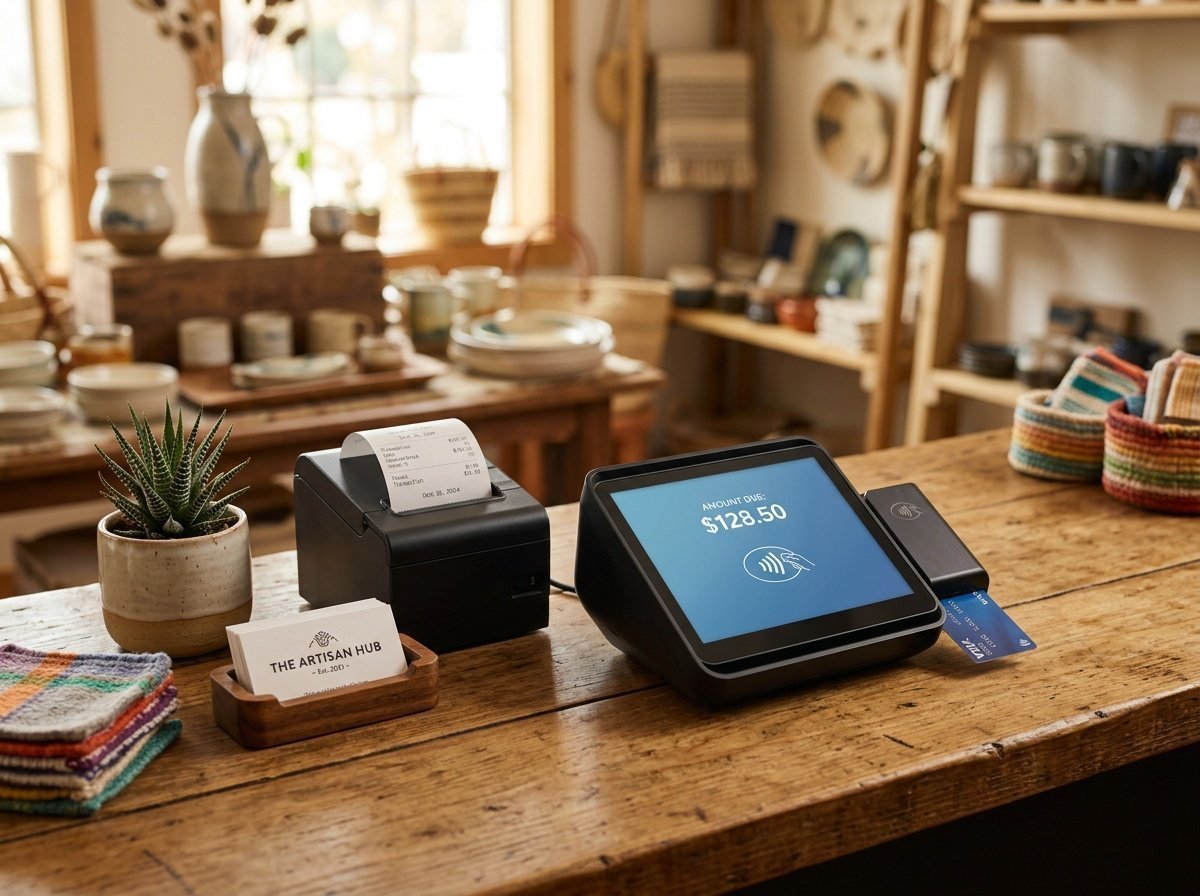
Clover: For Restaurants and Retail
Clover is a full POS and payment system that’s popular with restaurants, cafés, and specialty shops. The hardware is polished, and the software handles tables, menus, and staff permissions. The catch is that Clover is often sold through banks and resellers, so the rates you’re quoted can vary a lot, and some resellers mark them up. Get the full pricing in writing, compare at least two quotes, and don’t be shy about negotiating.
Helcim: Worth a Look Once Your Volume Grows
Helcim uses interchange-plus pricing. Interchange is the base fee the card networks and banks charge on every card payment; “plus” means you pay that base fee plus Helcim’s markup, and you can see both. As of November 2026, Helcim’s pricing page lists its markup for the lowest volume tier (up to $50,000 a month) at interchange + 0.40% + $0.08 in person and interchange + 0.50% + $0.25 for keyed and online payments, with no monthly fee. That transparency tends to pay off as you process more. It’s less polished than Stripe or Square, and your exact rate will move with the cards your customers use, so check Helcim’s current tiers.
Shopify Payments: Only if You’re on Shopify
Shopify Payments is built into Shopify, and using it avoids the extra fee Shopify charges when you use an outside processor (listed at 2% on the Basic plan as of November 2026). Basic plan card rates are listed at 2.9% + $0.30 online and 2.6% + $0.10 in person, on top of Shopify’s monthly plan fee. If you’re not on Shopify, it’s not an option. If you’re building a store from scratch, it’s a fair reason to consider the platform. Check Shopify’s pricing page for current plan costs.
ACH and Bank Transfers: The Lower-Fee Option Most Guides Skip
Everything above runs on card networks, and card networks always take a percentage. That’s fine on a $30 sale. It hurts on a $3,000 invoice: 2.9% of $3,000 is $87. A bank-to-bank transfer can cost a few dollars, or nothing.
Where ACH Fits
ACH is the U.S. system banks use to move money directly between accounts, the same rails as direct deposit. Stripe lists ACH Direct Debit at 0.8% capped at $5 as of November 2026, and Square lists ACH on invoices at 1% with a $1 minimum (with a $10 cap on its paid plans). On that $3,000 invoice, that’s $5 with Stripe instead of $87 on a card. Tools like Melio and Wise Business are also built around bank transfers. Melio has advertised free standard ACH transfers and earns from card payments and faster transfers, and Wise Business is designed for freelancers and small businesses with international clients. Fee structures for these change often, so check their pricing pages directly.
The Trade-Off
ACH is cheaper, but it’s slower. One to three business days is typical, compared with near-instant card approval, and it’s awkward on a checkout page where someone wants to buy on impulse. I’d use it for invoiced client work and recurring payments, not for a retail storefront. A lot of small businesses end up with a card processor for sales and an ACH option for larger invoices, and that’s a perfectly good setup.
Payment Processor Comparison: Side-by-Side at a Glance
Here’s everything next to each other. These are standard listed rates as of November 2026, pulled from each processor’s public pricing page. They change, and your actual rate can depend on your plan and the cards your customers use, so please confirm with the processor before you sign up.
| Processor | Online Rate | In-Person Rate | Monthly Fee | Best For |
|---|---|---|---|---|
| Stripe | 2.9% + $0.30 | 2.7% + $0.05 | $0 (standard) | Online sales, digital products, subscriptions |
| Square | 3.3% + $0.30 (free plan) | 2.6% + $0.15 (free plan) | $0 (free plan); paid plans lower rates | Retail, food, in-person sales |
| PayPal | 3.49% + fixed fee (Checkout) | ~2.29% + fixed fee | $0 | Second checkout option, freelancers |
| Helcim | Interchange + 0.50% + $0.25 | Interchange + 0.40% + $0.08 | $0 | Growing volume, price-transparent sellers |
| Shopify Payments | 2.9% + $0.30 (Basic) | 2.6% + $0.10 (Basic) | Shopify plan fee applies | Shopify store owners |
“The cheapest processor isn’t the one with the lowest headline rate. It’s the one that costs the least on the way you actually sell.”
Hardware, Integrations, and the Details That Shape Your Day-to-Day
A fee table only tells part of the story. What you’ll actually feel, day after day, is whether the reader connects, whether the software talks to your other tools, and whether you can find last month’s numbers without a headache.
Choosing the Right Hardware
If you sell mostly in person, you or your team will touch your card reader or POS terminal dozens of times a day. Reliability and speed matter more than features you’ll never use. For most small businesses, I think Square’s hardware and software are the easiest all-around package. Stripe Terminal is a good fit if you’re building a more custom checkout and want flexibility.
For market stalls, pop-ups, and mobile services, a small Bluetooth reader that pairs with your phone is usually all you need. Square and Stripe both offer these at low cost. If you’re starting with Square, the Square Reader for contactless and chip (2nd Generation) is the same reader Square sells directly, and it’s often faster to get with Amazon Prime shipping (affiliate link, which means I may earn a small commission at no extra cost to you; see my affiliate disclosure).
Integrations With Your Existing Tools
Look at what you already use. If your books are in QuickBooks, make sure your processor connects directly. If your site runs on WordPress with WooCommerce, Stripe and PayPal both have mature, well-supported plugins. If you mostly invoice clients, look for strong invoicing: Square, PayPal, and Helcim all handle that well.
A processor that plays nicely with your tools saves you hours of copying numbers by hand, and fewer chances to make a mistake in your bookkeeping at 11 p.m.
Reporting and Analytics
Good reporting shows you what sells, when you’re busiest, and whether revenue is trending up or down. Square’s dashboard is especially useful for in-person businesses. Stripe’s Dashboard is strong for online sellers. You won’t care much about this in month one. By month six, you’ll be glad you have it.
How to Choose the Best Payment Processor for Your Small Business
You’ve seen the options. Now let’s turn them into a decision. Decision fatigue is real here, so I’m giving you a short framework instead of a verdict. Answer these four questions honestly and your answer will usually be obvious.
Step 1: Name Your Main Sales Channel
Where does most of your money come in: online, in person, or both? Mostly online and you want flexibility? Start with Stripe. Mostly in person? Square is probably the better fit. Building on Shopify? Use Shopify Payments. Selling both ways? Plenty of small businesses pair Square in person with Stripe online, and that’s a perfectly reasonable setup.
Step 2: Calculate Your Real Monthly Cost
Take your average sale, apply each processor’s rate, and multiply by your typical number of monthly sales. That gives you a dollar figure, which is far more useful than comparing percentages in your head. For most small businesses under about $10,000 a month, a simple flat-rate processor like Stripe or Square is easier to live with and usually costs about the same. As volume grows, interchange-plus pricing like Helcim’s can start to win. Run your own numbers, because your average sale changes the answer.
Step 3: Be Honest About Your Tech Comfort
There’s no shame in wanting the easy option. Stripe rewards people who like tinkering and can feel like a lot without a little tech help. Square is about as plug-and-play as it gets. PayPal is simple but more limited. Pick the one you’ll actually set up this week, not the one you’ll abandon halfway through.
Step 4: Think About Where You’ll Be in Two Years
Will you sell internationally, add subscriptions, or open a second location? Your needs today matter most, but a processor that can grow with you saves you a painful switch later. Stripe is the strongest for long-term online flexibility; Square is the strongest for a connected in-person setup. If you’re exploring passive income streams through digital product sales, Stripe’s subscription and digital delivery integrations are worth the small learning curve. And if you’re still at the stage of invoicing clients directly rather than running a store, making your first $1,000 as a freelancer covers the client-finding side of this.
Here’s your permission slip: you don’t have to get this perfect. Stripe, Square, and PayPal all let you start without a monthly fee. Picking a good-enough processor today and switching later if you outgrow it is a completely legitimate strategy. Getting paid this month beats getting the perfect setup next quarter.
If you’d like more practical guides like this before you need them, look for The Paystream’s newsletter signup. There’s no course to buy and no upsell, just income and money tips that hold up.
Frequently Asked Questions
What is the cheapest payment processor for small businesses?
There’s no single cheapest one; it depends on how you sell. For mostly online sales at low volume, Stripe’s standard 2.9% + $0.30 (as of November 2026) is among the lower flat rates. For mostly in-person sales, Square’s free plan and Shopify’s Basic plan are both competitive. Once you’re processing more each month, interchange-plus pricing like Helcim’s often comes out cheaper. Run the numbers on your own average sale and monthly volume, and check each processor’s current pricing page.
Can I use more than one payment processor at the same time?
Yes, and many small businesses do. A common setup is Square for in-person sales and Stripe or Shopify Payments for the online store. Adding PayPal as a second checkout button can help customers who prefer paying with their PayPal balance. Just keep your bookkeeping tidy so you can see the total you’re paying in fees across all of them.
Do I need a merchant account to accept payments?
Not usually. Stripe, Square, and PayPal are what’s called payment facilitators: they put you under their own merchant account, so you can start taking payments without applying for your own. A traditional merchant account through a bank or provider can offer lower rates at high volume, but it means an approval process and, often, monthly fees.
How long does it take to get set up with Stripe or Square?
In most cases you can create an account and be ready to take payments within a few hours, though either company may ask for extra verification first. If you order a card reader, give it a few days to arrive. Stripe’s online checkout can go live the same day if you’re using a no-code integration like Shopify or WooCommerce.
Are payment processor fees tax deductible for small businesses?
In the U.S. and many other countries, payment processing fees are generally treated as an ordinary business expense. I’m not a tax professional, though, and the rules vary by where you live and how your business is set up, so confirm with an accountant or tax adviser. If you’re new to self-employment income, here’s what to set aside for taxes on side hustle and freelance income before processing fees even come into it.
What happens if my payment processor holds my funds?
Holds can happen when something looks unusual to the processor, like a sudden jump in sales or a lot of chargebacks (when customers dispute a charge with their bank). It’s stressful, and it happens to legitimate businesses too. To lower the risk, keep your account details current, answer document requests quickly, describe what you sell accurately, and give your processor a heads-up before a big launch or sale if they offer a way to do that.
Is PayPal still worth using for small businesses?
As a second checkout option, yes. The trust it adds can lift conversions, especially with first-time or international customers. As your only processor, its higher online fees are harder to justify compared with Stripe or Square. I’d offer it alongside your main processor rather than instead of one.
Your One Assignment for Today
I know this was a lot of numbers. You don’t have to act on all of them. Here’s the whole assignment: open your last month of sales, find your average sale amount, and run it through the rates for just two processors, the one you use now (or the one you’re leaning toward) and one alternative from the table above. Write down the monthly dollar difference. That’s it. Ten minutes, one number.
If the difference is small, keep what you have and stop worrying about it. If it’s big, you’ve just found money you were leaving on the table. Either way, you’ll be deciding from a real number instead of a sinking feeling, and I’m here for every step after that.