I’ve tried most of the budgeting apps out there, and here’s the honest truth: the “best” one isn’t a single app. It’s the one whose method matches how your brain works — the one you’ll still be opening three months from now. A powerful app you abandon in two weeks is worse than a simple one you actually keep using.
So instead of ranking apps that change their features and pricing every year, let me walk you through the main types, who each one is for, and how to choose without wasting a month testing all of them.
First, Know Which Kind of Budgeter You Are
Every budgeting app falls into one of a few philosophies. Pick the philosophy first, and the app almost chooses itself:
- You want every dollar assigned a job — a hands-on, proactive system.
- You just want to see where your money went — automatic tracking with minimal effort.
- You want a simple overview — spending, net worth, and goals at a glance.
- You want total control and privacy — a spreadsheet you own outright.
For the Hands-On Budgeter: YNAB
YNAB (You Need A Budget) is built around zero-based budgeting — you give every dollar a job before you spend it. It has the steepest learning curve here and a yearly subscription, but the people who click with it are evangelists, because the method genuinely changes spending behavior rather than just recording it. Best for people who want to be active drivers of their money and don’t mind the upfront effort.
For the Set-and-Review Budgeter: Monarch & Similar
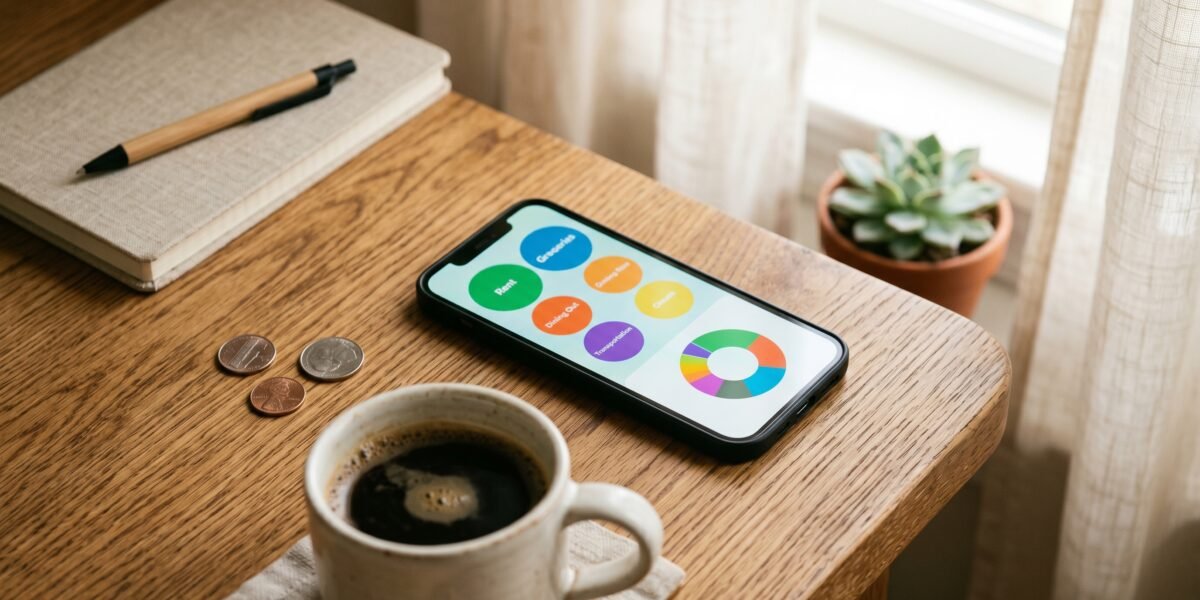
After Mint shut down, apps like Monarch Money became the go-to for people who want automatic tracking: connect your accounts, let it categorize transactions, and review the picture rather than logging every purchase. These tend to be subscription-based and shine for couples and anyone who wants a clean dashboard of spending, net worth, and goals without daily upkeep.
For the Minimalist: PocketGuard and Built-In Bank Tools
If you just want to know “how much can I safely spend right now,” simpler apps like PocketGuard reduce everything to a single number after bills and goals. Don’t overlook your own bank, either — many banking apps now include solid spending breakdowns and savings “buckets” for free, which is plenty for a lot of people.
For the Control Freak (Said With Love): A Spreadsheet
A free Google Sheet or Excel template is still one of the best budgeting tools in existence. It’s completely private, infinitely customizable, costs nothing, and never changes its pricing on you. The tradeoff is manual entry — but for many people, the act of typing in each expense is exactly what builds awareness. If you like control and don’t mind the upkeep, start here before paying for anything.
How to Choose Without Wasting a Month
- Match the philosophy to your personality using the four types above. Be honest about whether you’ll do manual entry or not.
- Use the free trial before paying. Most paid apps offer one. If you haven’t opened it in the first week, it’s not your app — move on.
- Check the security basics. Look for bank-level encryption and read-only account connections. Never use a tool that asks you to hand over banking passwords directly.
- Give your pick a full month before judging it. Every system feels awkward at first; one month tells you if it’ll stick.
Once the App Is Running, Add These Two Habits
Whichever app you land on, it works best paired with two things it won’t set up for you automatically. First, a real emergency fund target so a car repair doesn’t blow up the categories you just built. Second, sinking funds for the predictable-but-not-monthly costs — insurance premiums, holidays, car registration — so they stop showing up in the app as “surprise” overspending every single time. Both take ten minutes to set up and quietly prevent most of the reasons people abandon a budgeting app in month two.
The Bottom Line
An app is a tool, not a strategy. It can make tracking easier and automate the boring parts, but it can’t decide your priorities for you. Pair whichever app fits you with a simple framework like the 50/30/20 rule, and the app becomes genuinely useful instead of just another subscription you forgot you’re paying for.
If you’ve tried an app before and it still didn’t change your spending, it’s worth testing the low-tech alternative: the cash envelope system uses physical cash instead of a dashboard, and for some people that friction works where a notification never did.